Is WordPress Really That Hard to Learn?
WordPress can be frustrating. I’ll be the first to admit it.
You log in, ready to make one simple change to your website, and suddenly you’re staring at blocks, themes, plugins, settings, and a dashboard full of things you’ve never heard of.
Sound familiar?
Here’s something I wish more small business owners understood: WordPress isn’t nearly as complicated as it first appears. You just have to learn how it thinks.
There’s a Reason I Love WordPress
I’ve worked with websites and technology for years, and I’ve seen platforms come and go. Some make building a website incredibly simple, but that simplicity often comes with limitations.
WordPress is different.
It gives you the freedom to build something that’s genuinely yours. You can start with a simple landing page and expand into a full business website, blog, online store, or something entirely different.
And you don’t have to start over every time your business grows.
That’s one of the things I appreciate most about it.
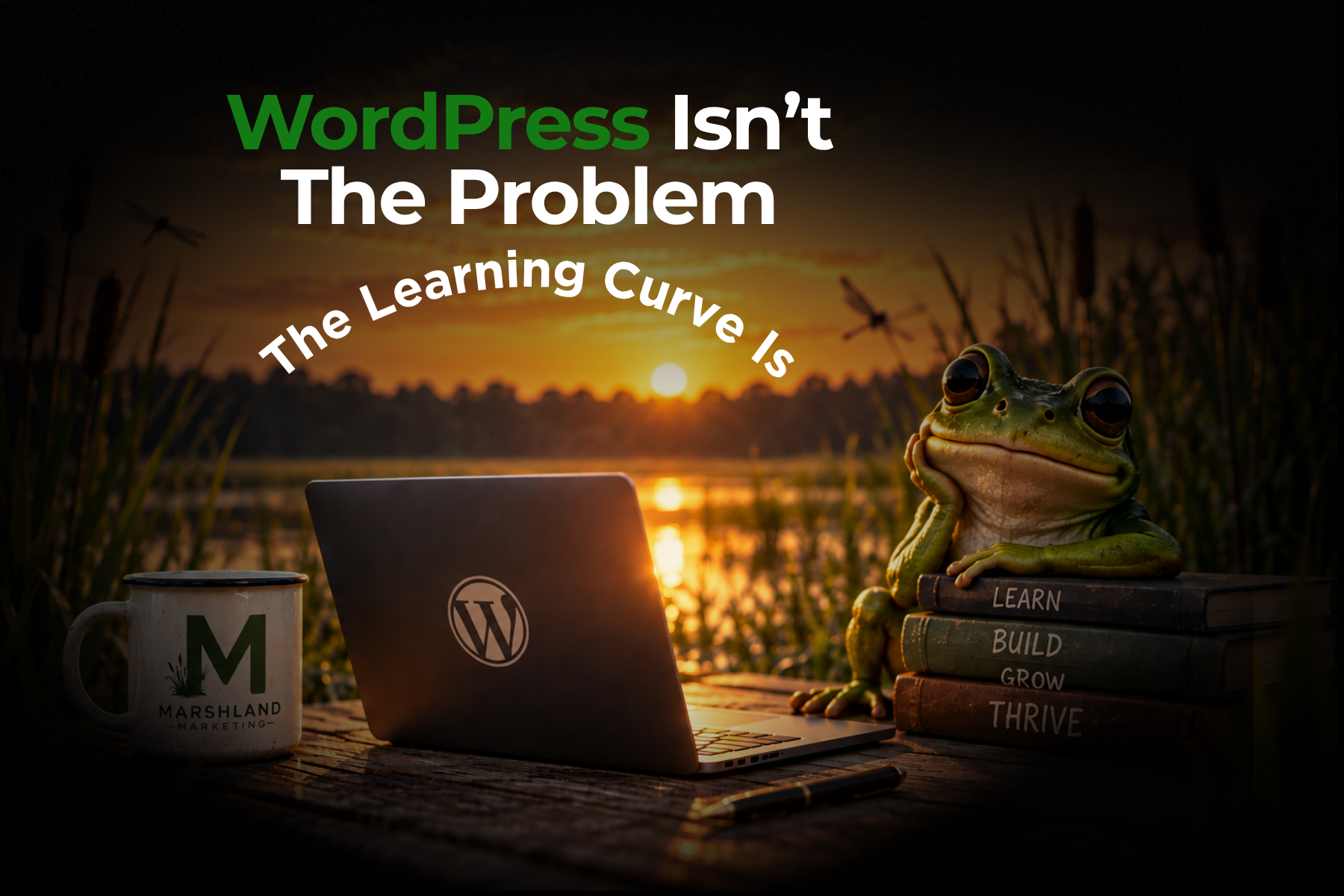
The Learning Curve Is Real
Let’s not pretend otherwise.
WordPress has a learning curve, especially for someone who has never managed a website before.
But here’s what I’ve noticed while helping people work through their WordPress frustrations.
Often, the problem isn’t WordPress itself. It’s that nobody has explained what they’re looking at or why something works the way it does.
Once someone understands the relationship between their theme, their content, and their plugins, things begin to make sense.
That intimidating dashboard starts looking a little more familiar.
And suddenly, changing a heading or updating a photo doesn’t feel like such a big deal.
You Probably Haven’t Broken Your Website
One of the biggest fears I encounter is someone worrying they’ve completely ruined their website.
And yes, things can go wrong. Plugins can conflict. Updates can cause problems. A little misplaced code can make a page look pretty strange.
But most WordPress problems are fixable.
That doesn’t mean you should experiment recklessly on a live business website. Backups matter, and some changes deserve extra caution.
It does mean that one mistake usually isn’t the end of the world.
A broken page doesn’t necessarily mean a broken website.
Sometimes the solution is much simpler than you think.
You Don’t Have to Become a Developer
This might be my favorite part.
You don’t need to understand PHP, write CSS, or know what happens behind the scenes to manage everyday content on your website.
You just need someone willing to explain the basics in a way that makes sense.
And if you decide you want to learn more? WordPress gives you plenty of room to grow.
That’s the beauty of it.
Your Website Should Grow With You
At Marshland Marketing, I believe small business owners should feel confident about their websites, not intimidated by them.
Whether you want to learn how to manage your own WordPress site or would rather have someone handle the technical details, both approaches are perfectly reasonable.
The goal isn’t to turn every business owner into a web developer.
The goal is to help you feel like your website belongs to you, because it does.
And that’s why I keep coming back to WordPress.